Choosing a processor is one of the biggest decisions when buying office computers. Buy too little and staff wait on slow systems every day; buy too much and you spend budget on power nobody uses. Intel’s Core i3, i5, i7 and i9 names describe performance tiers, from entry level to high end. Here is how to match each tier to real office work.
What the numbers mean
Within the same generation, a higher tier generally means more processor cores, more threads, higher boost speeds and more cache. More cores help when you run many applications at once or use software that can split work across cores, such as video editing or data analysis. The generation matters too: a newer Core i5 can outperform an older Core i7, so always compare processors of a similar generation.
Which tier suits which user?
| Processor | Best for | Typical users |
|---|---|---|
| Core i3 | Email, browsers, office documents, data entry | Front office, billing, schools, call centres |
| Core i5 | Heavy multitasking, large spreadsheets, ERP, video calls | Most business users, managers, finance teams |
| Core i7 | Design, light 3D, programming, many apps at once | Engineers, developers, analysts, power users |
| Core i9 | Video editing, rendering, simulation, large datasets | Creators, CAD/CAE teams, data scientists |
Core i3: efficient for focused tasks
A modern Core i3 is far more capable than older generations. With an SSD and enough memory, it handles email, web applications, office documents and video calls smoothly. It is a cost-effective choice for large deployments where users run a few applications at a time.
Core i5: the sweet spot for most businesses
For the majority of office users, the Core i5 offers the best balance of price and performance. It stays responsive with dozens of browser tabs, large Excel files, an ERP client and a video meeting running together. If you are unsure, start here.
Core i7: for professionals and power users
Choose Core i7 for users who run demanding software, such as developers compiling code, engineers using CAD, or analysts working with large datasets. It also gives more headroom for the future as software becomes heavier.
Core i9: for the heaviest workloads
The Core i9 is built for professionals whose time is spent waiting on the computer: video editors, 3D artists and simulation users. Pair it with plenty of RAM and, for graphics work, a dedicated graphics card. For certified professional applications, consider a workstation.
Do not forget RAM and storage
A fast processor is held back by too little memory or a slow hard disk. For most office users, 16 GB of RAM and an NVMe SSD make a bigger difference to daily speed than moving one processor tier up. Budget for a balanced system rather than a top processor with weak memory and storage.
What about AMD Ryzen?
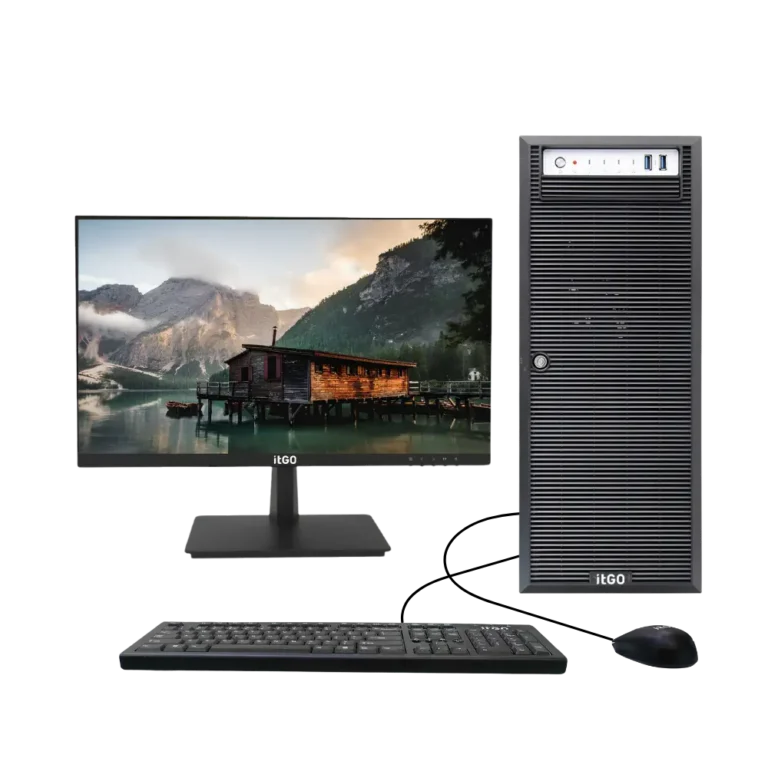
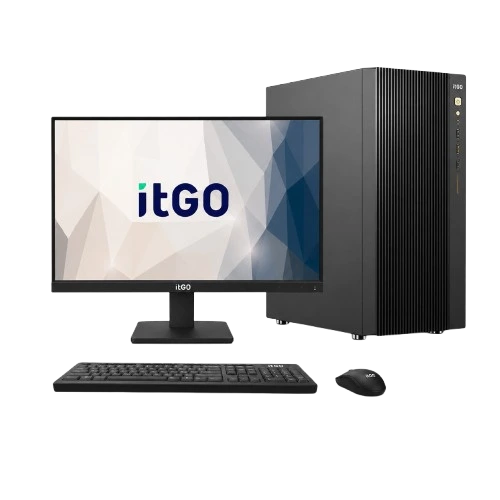
AMD’s Ryzen 3, 5, 7 and 9 processors follow a similar tier structure and are a strong alternative, often with excellent multi-core performance. itGO offers both: the Terra desktop series with Intel Core and the Nova series with AMD Ryzen.
Quick recommendation
- Basic office and counters: itGO Terra 310 (Core i3)
- Most business users: itGO Terra 510 (Core i5)
- Power users: itGO Terra 710 (Core i7)
- Creators and heavy workloads: itGO Terra 910 (Core i9)
Frequently asked questions
Is Core i3 enough for office work?
Yes, a current-generation Core i3 with 8–16 GB RAM and an SSD is enough for email, documents and web applications.
Is Core i7 worth it for normal office use?
For typical office work, a Core i5 is usually enough. Choose Core i7 if users run demanding software or you want extra headroom for several years.
Does the processor generation matter?
Yes. Compare processors of similar generations; a newer Core i5 can be faster than an older Core i7.
Need help choosing the right systems?
itGO designs, assembles and supports desktops, all-in-one PCs, mini PCs, workstations and servers in India, with GeM-ready configurations and warranty up to 5 years.

The itGO team at Mek Peripherals India Private Limited writes practical guides on business computers, servers, workstations and GeM procurement.