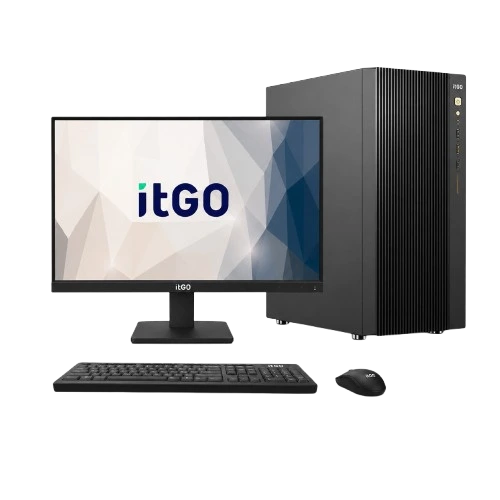
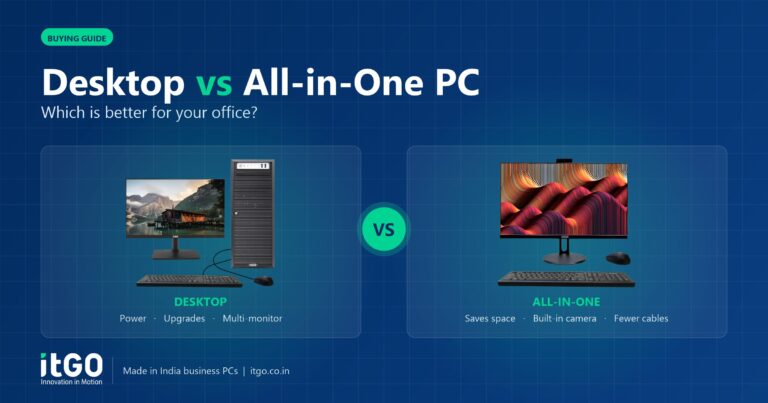
From the outside, a workstation can look just like a regular desktop PC. Inside, it is designed for a different job: running demanding professional software reliably for hours, often with large files and complex calculations. If your team works in design, engineering, media, research or AI, understanding the difference helps you invest in the right machines.
What is a workstation?
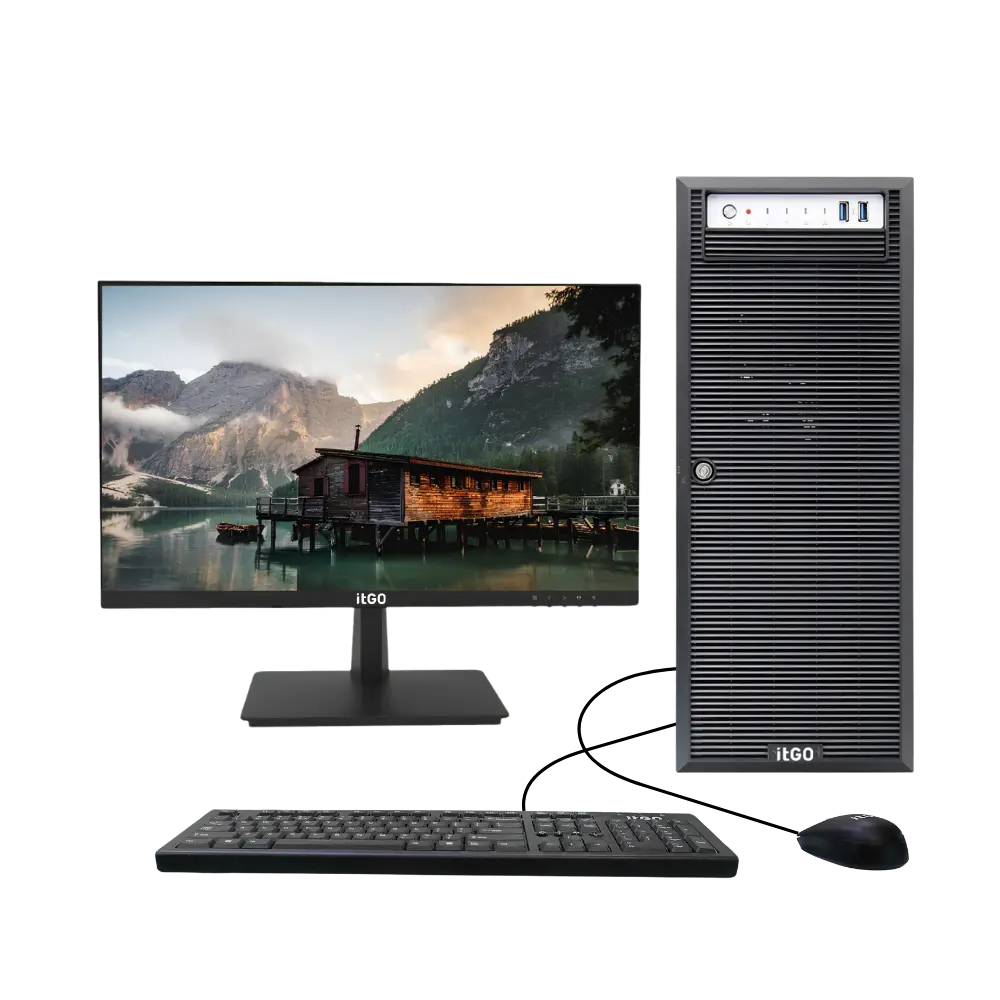
A workstation is a high-performance computer built for professional workloads such as CAD, 3D modelling, rendering, simulation, video production and data science. It typically offers more processor cores, larger memory capacity, professional or high-end graphics cards, faster storage and components chosen for stability under sustained load.
Key differences
| Feature | Desktop PC | Workstation |
|---|---|---|
| Processor | Mainstream Intel Core / AMD Ryzen | High-core-count Core/Ryzen, Intel Xeon or AMD EPYC options |
| Memory | Typically 8–64 GB | Much larger capacities; ECC memory on Xeon/EPYC platforms |
| Graphics | Integrated or entry graphics | Professional or high-end graphics cards, multiple GPUs possible |
| Storage | One or two drives | Multiple NVMe drives, RAID options, large capacities |
| Power and cooling | Sized for office loads | Sized for sustained full load for long periods |
| Software certification | Not usually certified | Configurations suited to professional applications |
| Cost | Lower | Higher, justified by time saved on heavy work |
Signs you need a workstation
- Your team waits minutes for files to open, models to rebuild or videos to export.
- Software crashes or slows down with large assemblies, point clouds or datasets.
- You render, simulate or train models that run for hours.
- You need large amounts of memory or error-correcting (ECC) memory for accuracy.
- You use multiple high-resolution monitors with GPU-heavy applications.
When a desktop is enough
For office documents, ERP, browsers and light photo editing, a well-configured business desktop is the smarter buy. Many users only need a strong Core i5/i7 or Ryzen 5/7 desktop with 16–32 GB of RAM and an SSD. Spending on a workstation only makes sense when the workload demands it.
Return on investment
A workstation pays for itself through time. If a designer saves even 30 minutes a day on rebuilds and renders, that adds up to many working days over a year. Reliability also matters: crashes during long jobs waste hours and can lose work. For professionals, the extra cost is usually a small fraction of their salary cost.
Choosing the right workstation
- List the main applications and check their recommended hardware.
- Decide on the processor: high clock speeds help modelling; more cores help rendering and simulation.
- Size the memory for your largest projects, with room to grow.
- Choose a graphics card that matches your software and display needs.
- Plan storage: a fast NVMe drive for active projects plus larger storage for archives.
itGO workstations
itGO builds two workstation families in India: Proxima with Intel Core and Xeon processors, and Apex with AMD Ryzen and EPYC processors, from entry design systems to extreme compute machines. Explore itGO workstations or ask us to configure one for your software.
Frequently asked questions
Can a gaming PC be used as a workstation?
A gaming PC has strong graphics, but workstations focus on stability, memory capacity, ECC support and professional software compatibility. For business-critical work, a workstation is the safer choice.
Do I need ECC memory?
ECC memory detects and corrects memory errors. It is valuable for long simulations, scientific work and data that must be accurate.
Is a workstation the same as a server?
No. A workstation is used by one person at a desk; a server provides services to many users over a network.
Need help choosing the right systems?
itGO designs, assembles and supports desktops, all-in-one PCs, mini PCs, workstations and servers in India, with GeM-ready configurations and warranty up to 5 years.

The itGO team at Mek Peripherals India Private Limited writes practical guides on business computers, servers, workstations and GeM procurement.