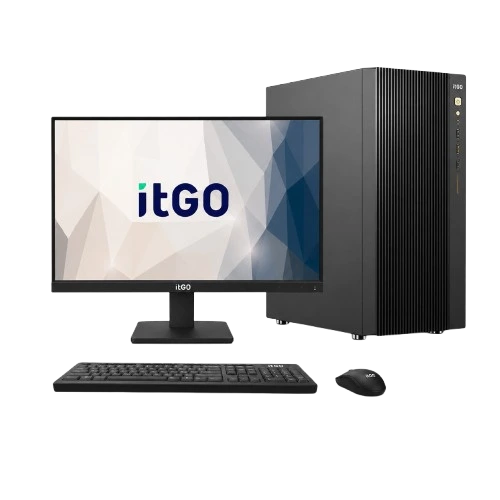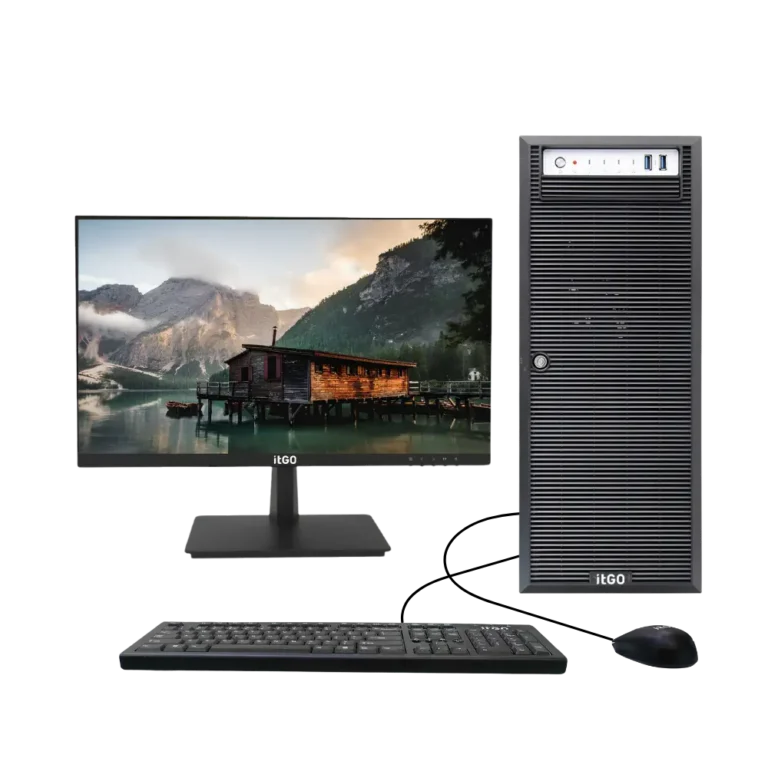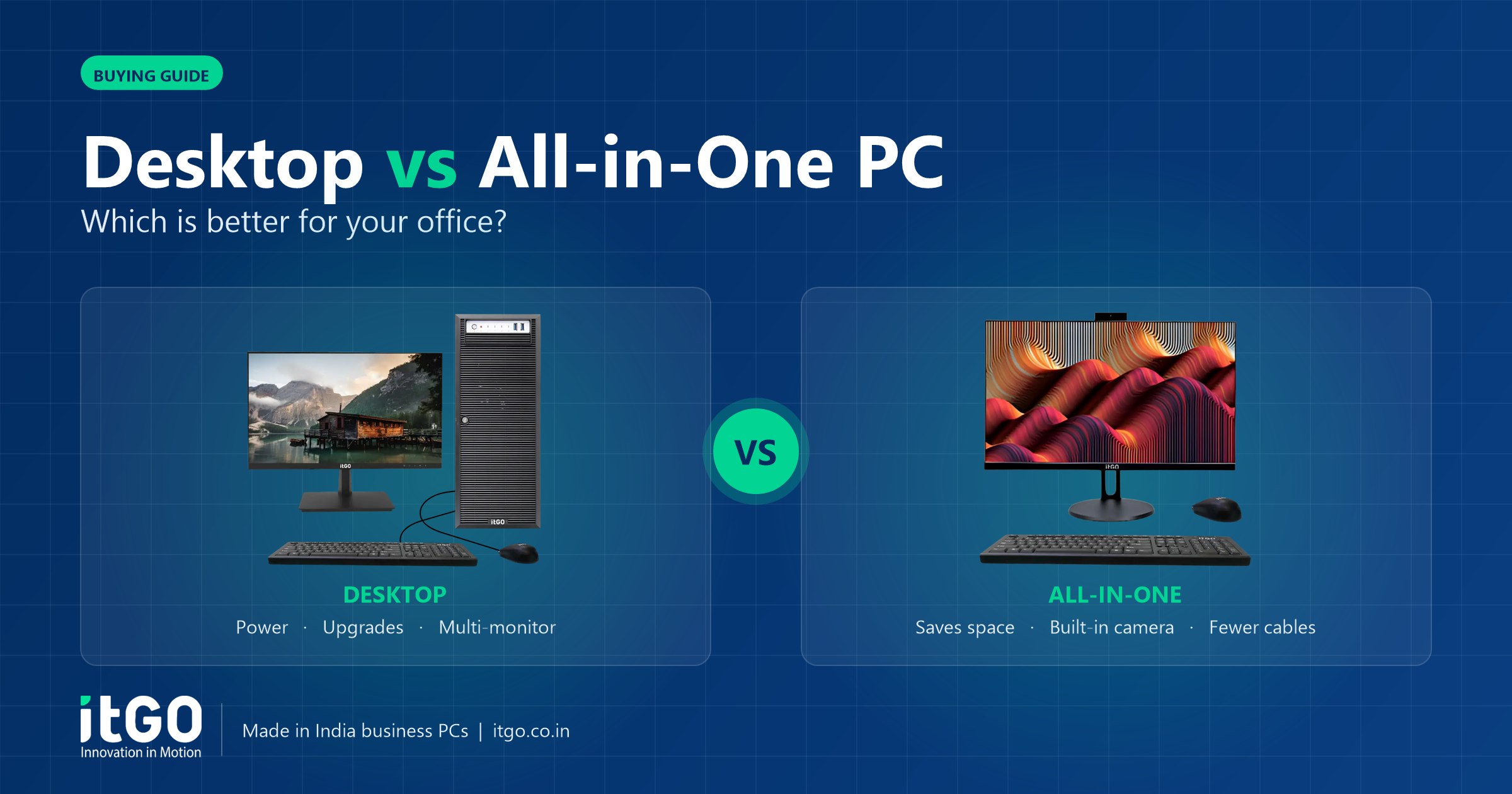
When an office replaces its computers, one of the first questions is whether to buy traditional desktops (a tower with a separate monitor) or all-in-one PCs, where the computer is built into the display. Both run the same software and can use the same processors, but they suit different spaces, users and IT teams. Here is a clear comparison to help you decide.
What is the difference?
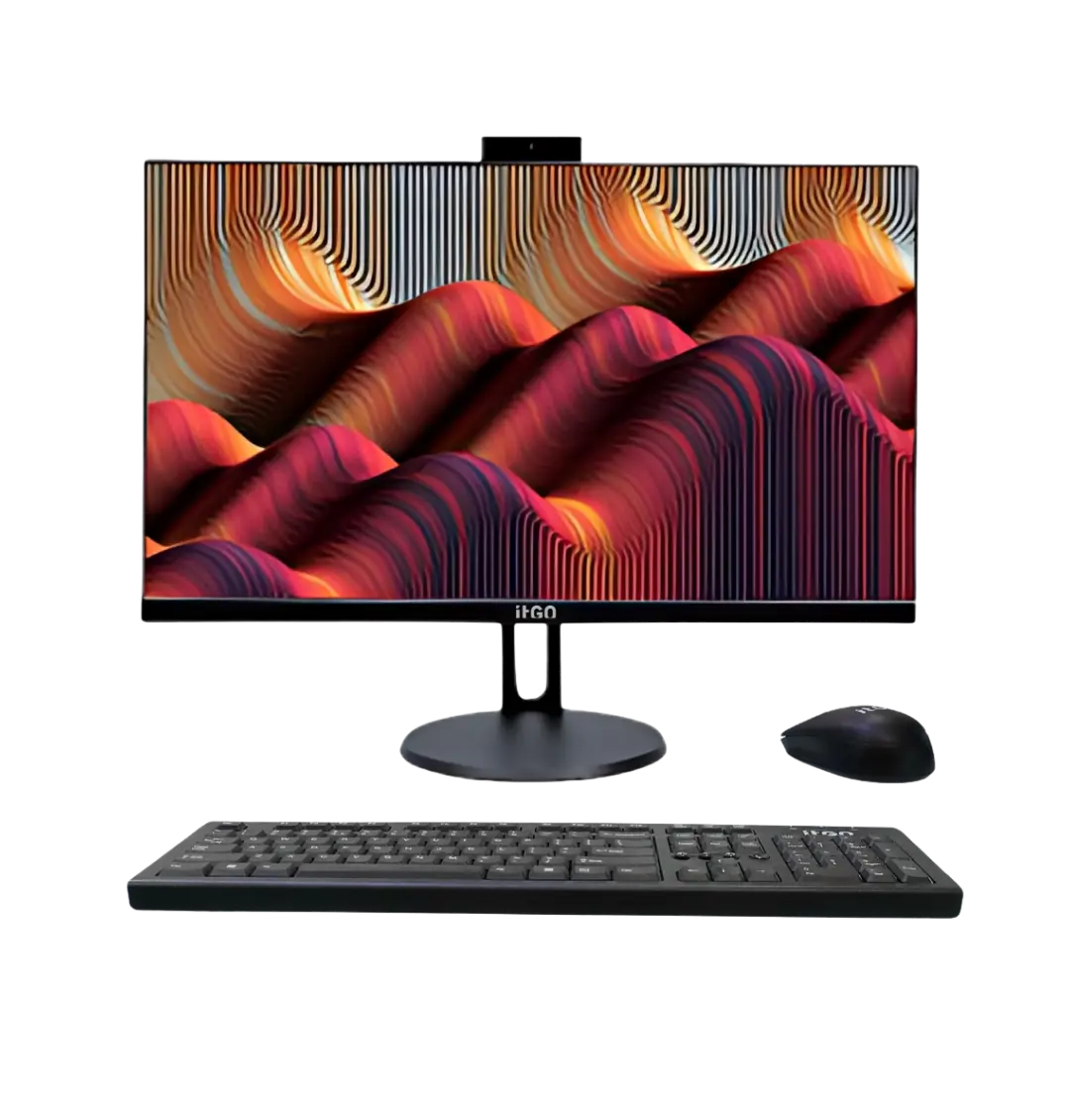
A desktop PC is a separate cabinet (tower or small form factor) connected to a monitor, keyboard and mouse. An all-in-one PC (AIO) combines the computer and the display in one unit, usually with a built-in webcam, microphone and speakers, and needs only a power cable to run.
Side-by-side comparison
| Factor | Desktop PC | All-in-One PC |
|---|---|---|
| Desk space | Needs space for the cabinet and monitor | Very compact, clean desk |
| Cabling | Several cables | Usually just power (plus optional wired network) |
| Upgrades | Easy to add RAM, storage or a graphics card | RAM and storage usually upgradeable, graphics limited |
| Repairs | Parts can be swapped individually | Display and computer are serviced as one unit |
| Video calls | Needs a separate webcam | Webcam, mic and speakers built in |
| Performance ceiling | Higher, supports powerful graphics | Good for office and multimedia work |
| Best for | Power users, labs, upgrade-heavy environments | Front desks, managers, classrooms, clinics, banks |
When a desktop PC is the better choice
- You expect to upgrade. Adding memory, a second drive or a graphics card later is simple in a tower.
- You need more performance. Engineering, design and data work benefit from a desktop or workstation with room for a dedicated GPU.
- You want flexible displays. Desktops work with any monitor size, including dual-monitor setups.
- You run a computer lab. Individual parts such as keyboards, monitors or drives can be replaced quickly.
The itGO Terra (Intel) and Nova (AMD) desktop range covers everything from everyday office work to high-end multitasking.
When an all-in-one PC is the better choice
- Space is limited, for example at reception desks, bank counters, hospital nursing stations or classrooms.
- Appearance matters, such as in customer-facing areas and managers’ cabins.
- You hold frequent video meetings and want a camera and microphone ready to use.
- You want fewer cables to manage and fewer items to track as assets.
The itGO Fusion (Intel) and Unity (AMD) all-in-one range is designed for exactly these spaces.
What about cost?
For the same processor and memory, an all-in-one often costs about the same as a desktop plus a comparable monitor, webcam and speakers. The real cost difference shows up over the life of the system: desktops are cheaper to upgrade, while all-in-ones save time on installation and cable management. Compare the total cost over the years you plan to use the system, not just the purchase price.
Warranty and service considerations
Because the display is part of an all-in-one, a warranty that covers the panel matters. Check whether service is on-site, especially for multi-location offices. itGO’s warranty covers the integrated display on all-in-one PCs and can be extended up to 5 years.
Quick decision guide
- Choose a desktop if performance, upgrades or multiple monitors are a priority.
- Choose an all-in-one if space, appearance and simple setup are a priority.
- Choose a mini PC if you want a compact system but still want to use your own monitor.
Frequently asked questions
Can I upgrade the RAM in an all-in-one PC?
Many business all-in-ones allow RAM and storage upgrades. Check the model’s specifications or ask the manufacturer before buying.
Do all-in-one PCs overheat?
Business all-in-ones are designed with proper cooling for office workloads. Keep vents clear and avoid placing them in direct sunlight.
Which is better for schools?
For classrooms and front offices, all-in-ones save space. For computer labs where parts get replaced often, desktops are easier to maintain.
Need help choosing?
Tell us how many users you have, what software they run and where the systems will be used. Our team will suggest the right mix of desktops and all-in-ones. Contact itGO for a quote.
Need help choosing the right systems?
itGO designs, assembles and supports desktops, all-in-one PCs, mini PCs, workstations and servers in India, with GeM-ready configurations and warranty up to 5 years.

The itGO team at Mek Peripherals India Private Limited writes practical guides on business computers, servers, workstations and GeM procurement.